 Transcripts
Your transcripts
The Recordings window
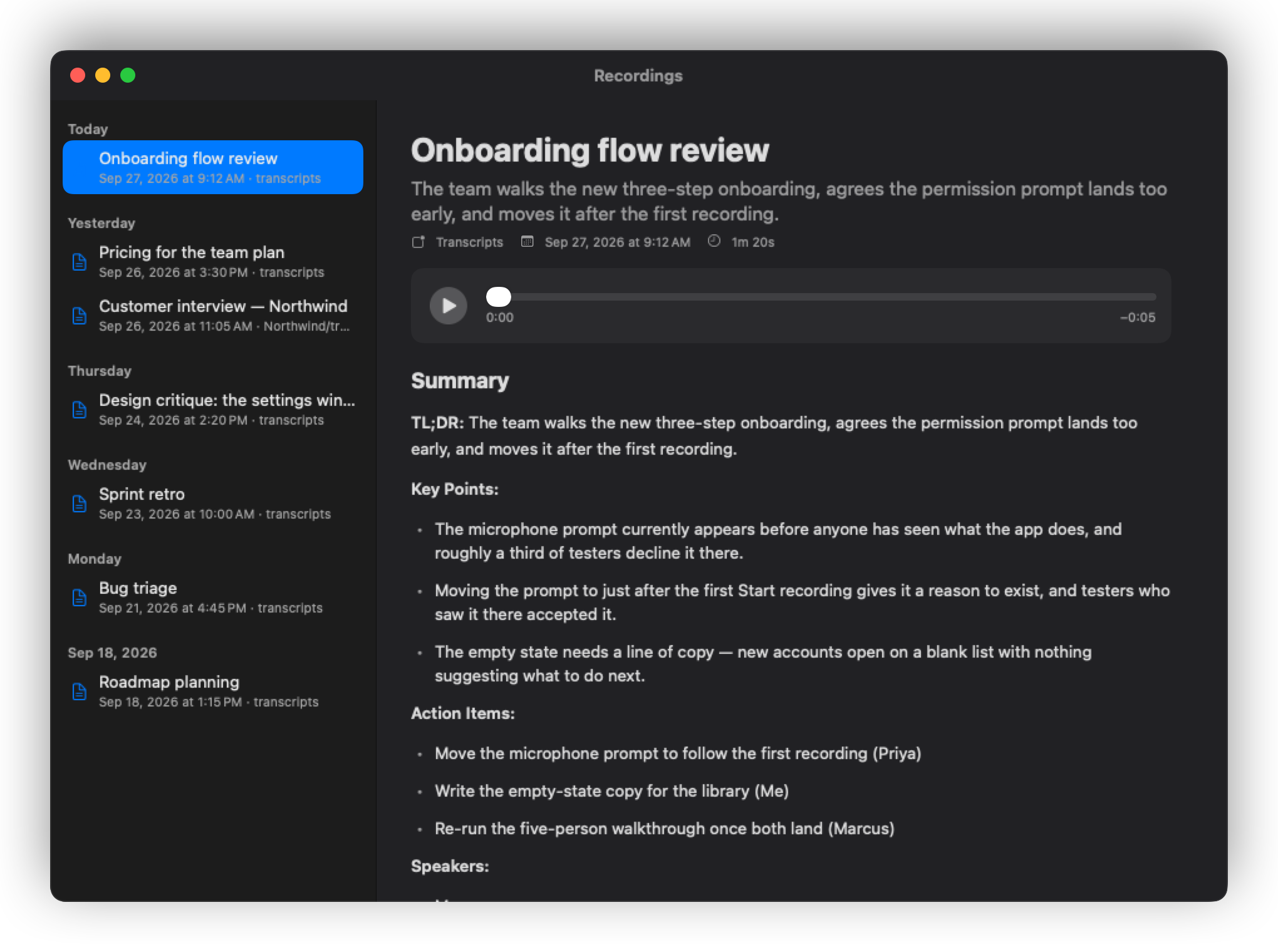
Recordings… in the menu opens your full history, grouped by day. Selecting a recording shows its summary — a title, a short read, key points and any action items — and the full transcript, formatted into readable paragraphs rather than a wall of text.
Everything is searchable, and every recording can be reopened, replayed and re-read.
What gets written to disk
For each recording, in the folder you chose:
- the audio, as
.m4a - a Markdown transcript with the summary at the top
That is the entire storage format. There is no database, no proprietary library, and nothing to export — you can open the files in any editor, sync them with any service, search them with any tool, and take them somewhere else whenever you want. If Transcripts disappeared tomorrow, your recordings would be exactly as usable as they are today.
Filing
Transcripts can file recordings for you. It looks for folders in your vault that end in transcripts/, and routes each recording to the one that fits — matching on keywords first, and asking an on-device model only when the keywords are ambiguous.
Settings ▸ Sorting offers three modes:
- Automatic — discover destinations and route by keyword plus model.
- Custom script — hand the decision to a script of your own.
- Off — everything goes to one folder.
The rules live in a plain routing.json inside your vault's .transcripts folder, and it is meant to be edited by hand. Nothing is hidden.
Who said what
By default the other side of a call is labelled simply as Others — Transcripts does not guess.
Turn on speaker attribution and it separates the other side into individual voices, then names them two ways: from the transcript itself when someone is addressed by name, and by matching voiceprints against people you have confirmed before.
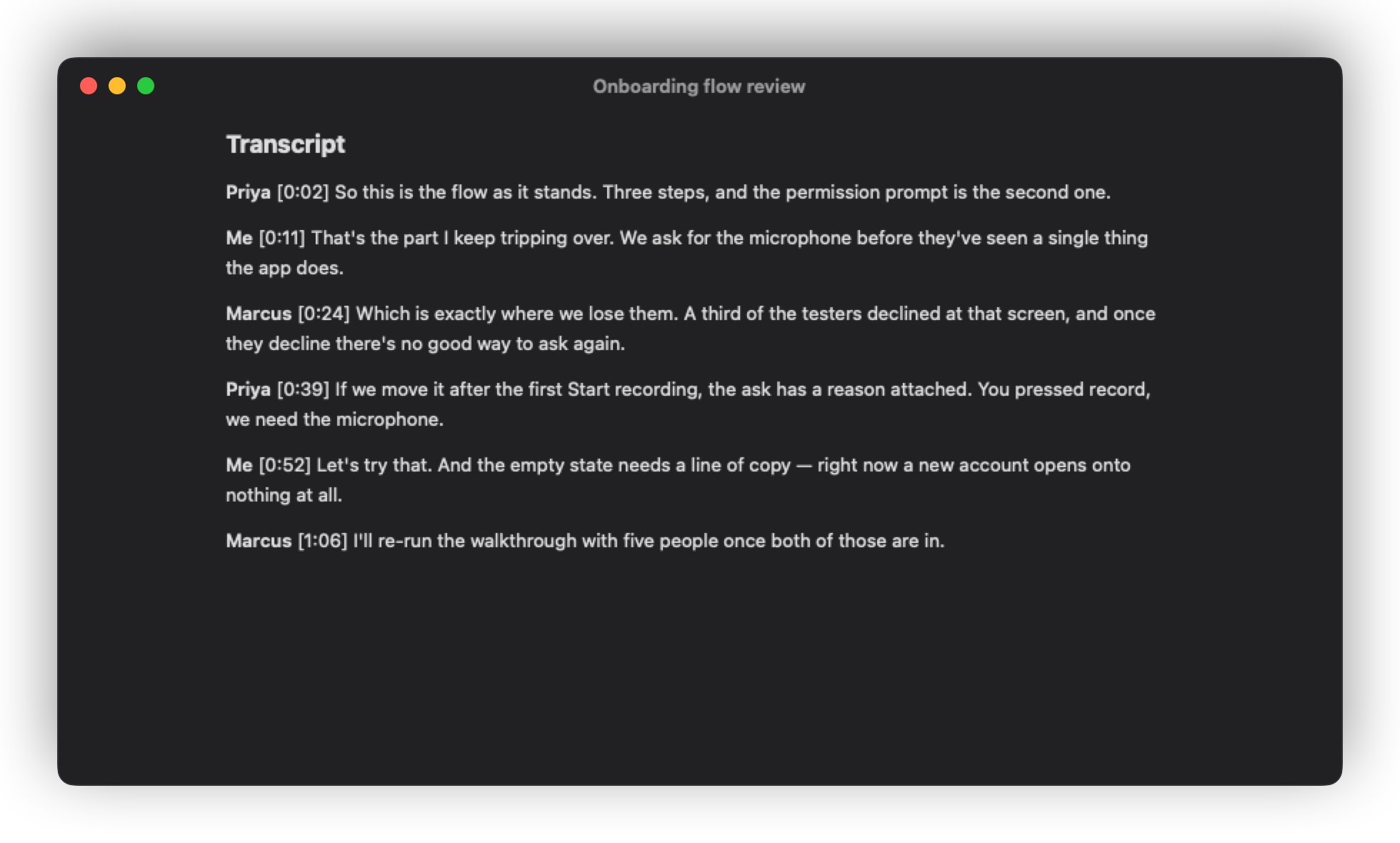
This is best-effort and will occasionally get it wrong. So it is correctable: Settings ▸ Voices lets you reassign a speaker, which updates both the voiceprint and the transcript. Every match keeps its per-meeting sample, so a bad guess can be undone exactly rather than approximately.
Next: Sorting and sessions