 Transcripts
The live transcript
Most recorders hand you something to read afterwards. Transcripts also writes the conversation down as it happens, to an ordinary file you can point anything at — including an AI assistant, mid-meeting.
Where it is
While recording, three files are kept in step, rewritten every time someone finishes a sentence:
<your folder>/Transcripts Live.md— the human view. Open it in Obsidian, a text editor, anything.<your folder>/.transcripts/live.md— the same content, where an agent session working in your vault will look.~/Library/Application Support/Transcripts/live.md— a copy that survives even if your folder is unavailable.
They are plain Markdown with speaker-labelled turns, in timeline order.
Why this is useful
Because it is a file rather than an API, anything that reads files can use it, with nothing to connect and no key to paste. The case it was built for:
> Read the live transcript and draft the follow-up email.
asked of a Claude session while the call is still running — so the summary, the action items, or the answer to something raised two minutes ago exists before anyone hangs up.
There is no integration to configure because there is no integration. Your assistant reads a file on your disk.
What happens after
The file keeps the last call's content, marked as ended, until the next recording starts and replaces it. The permanent transcript — cleaned up, speaker-named, summarised — is written separately when processing finishes and is never overwritten.
The phone
The iPhone and iPad apps transcribe live on screen, so you can read along as you speak. That draft rides along with the recording and is deliberately marked as a draft: the Mac re-transcribes from the audio, which it can do better with the whole file than a phone can sentence by sentence, and replaces it in place.
Reading it without leaving the call
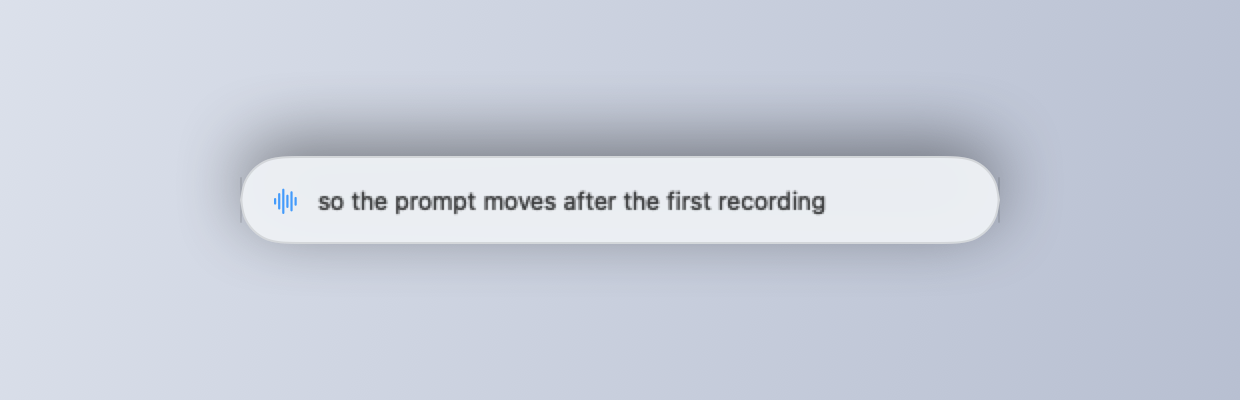
The same turns feed the overlay — a small panel that floats over your meeting with key facts on it, and answers to questions raised, drawn from the call and from your notes.
Next: The overlay